
Weblooker0.2.1 - Download
You'll be able to download in few seconds.
Publisher Description
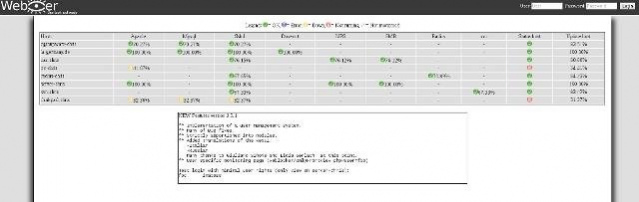

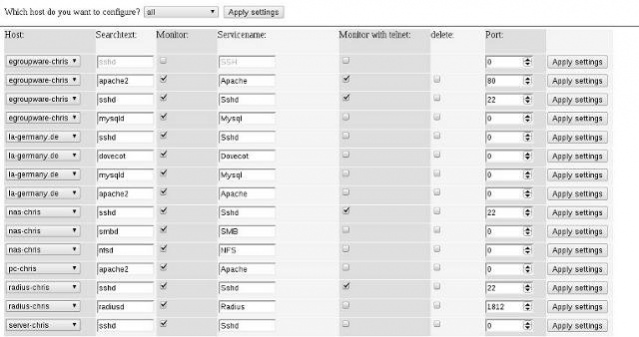
Weblooker monitors serveral services on multiple systems for their status, up- and downtimes. A webgui and Android client to view the current status and logged downtimes is available as separately package.
- Android client available.(Needs weblookerd version 0.2.1.1)
- Separation of server, client and webui.
- does not require an open MySQL port anymore.
- All connections are encrypted and secured with session tokens.
- Session limits for DoS-protection.
- Pidfile handling prevents multiple instances.
- Syslog with configurable verbosity levels.
- Real daemon with init-control and privilege control.
- Multiple connection handling through forking.
- Command-line arguments for easier troubleshooting and debugging.
- Well documented configuration-file.
- Manpage and detailed README.
- Easier compilation through Automake.
- Prebuilt RPM and DEB Packages for Red Hat, Debian and SUSE based systems. Most @
- Deb repository :
- RPM repository :
- Improved performance and stability (extended use of low level libraries).
- Fixed a bunch of bugs and typos
- LSB/FHS/GNU compliance.
- Template design.
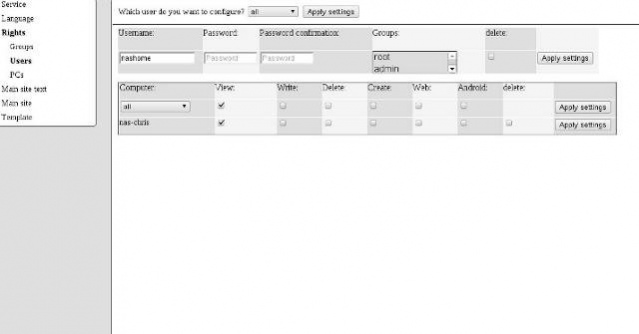
- User management system.
- Added translations of the webui: Italian, Russian.
- User specific monitoring page (weblooker/onlyFrontview.php?user=foo)
- W3C conform: HTML5,CSS3
About Weblooker
This System Maintenance program is available in English. It was last updated on 29 September, 2026. Weblooker is compatible with the following operating systems: Linux, Mac, Windows.
The company that develops Weblooker is silentchris. The latest version released by its developer is 0.2.1.
The download we have available for Weblooker has a file size of 86.9 KB. Just click the green Download button above to start the downloading process. The program is listed on our website since 2012-03-05 and was downloaded 0 times. We have already checked if the download link is safe, however for your own protection we recommend that you scan the downloaded software with your antivirus. Your antivirus may detect the Weblooker as malware if the download link is broken.
How to install Weblooker on your Windows device:
- Click on the Download button on our website. This will start the download from the website of the developer.
- Once the Weblooker is downloaded click on it to start the setup process (assuming you are on a desktop computer).
- When the installation is finished you should be able to see and run the program.
Program Details
System requirements
Download information
Pricing
Version History
version 0.2.1
posted on 2012-03-05
version files
posted on 2011-04-01
Several fixes and updates
Disclaimer
External Download
We do not host Weblooker on our servers. We did not scan it for viruses, adware, spyware or other type of malware. This app is hosted by the software publisher and passed their terms and conditions to be listed there. We recommend caution when installing it.
The external download link for Weblooker is provided to you by apps112.com without any warranties, representations or guarantees of any kind, so access it at your own risk.
If you have questions regarding this particular app contact the publisher directly. For questions about the functionalities of apps112.com contact us.
